
CRM Customer Management: What It Is and What SMBs Need
September 22, 2026
What CRM Customer Management Actually Means
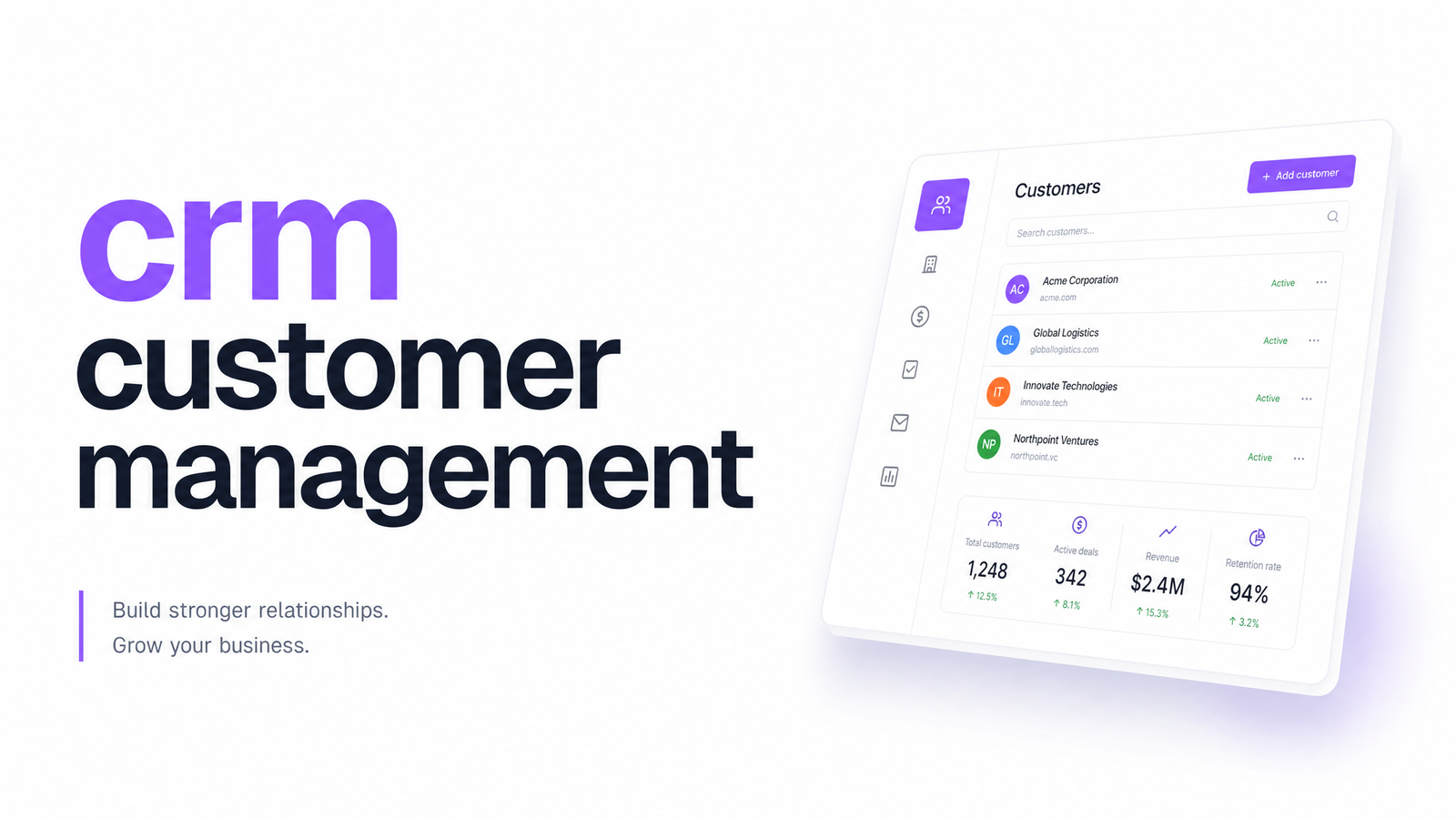
CRM customer management describes two related things worth separating. "CRM" — customer relationship management — is the software: a system that records who your customers are, what they've bought, and what's been said to them. "Customer management" is the broader practice: the habits and processes a business uses to keep those relationships organized, whether or not any software is involved.
Put simply, what is CRM? It's a shared, searchable record of every contact and every interaction, replacing the scattered mix of inboxes, sticky notes, and spreadsheets most small businesses start with. This article covers what a customer management system should actually do, how to tell you've outgrown informal tracking, how a CRM differs from other tools that also touch customer data, and how to decide between a standalone CRM and one built into a broader marketing platform.
What a Customer Management System Should Actually Do
Judge any CRM against five functional building blocks. If a tool is missing one, it's not really doing customer management — it's doing something narrower.
- Contact records. A single profile per person or company, holding contact details, company info, and tags — the foundation of contact management. No more guessing which spreadsheet row is current.
- Interaction history. A timeline of emails, calls, meetings, and notes tied to that contact, so anyone on the team can see the last conversation without asking around.
- Pipeline and status tracking. Sales pipeline tracking that shows where each deal or customer sits — lead, in conversation, customer, churned — and how long they've been there. This is also where lead scoring becomes useful, ranking who's worth following up with first.
- Task and reminder automation. Follow-up dates, renewal reminders, and next-step prompts that don't rely on someone remembering.
- Reporting. A way to see pipeline value, conversion rates, and customer lifetime value without exporting everything into a spreadsheet to calculate by hand.
Everything else — dashboards, mobile apps, custom fields — is a layer on top of these five. Customer data management only works if the core structure underneath is sound.
Signs You've Outgrown Spreadsheets (or Memory)
Spreadsheet-based tracking works fine for a handful of contacts, but it degrades quietly, and most owners notice only after it's caused a problem. Watch for these symptoms:
- Duplicate entries. The same customer exists in three rows because different people added them at different times, with slightly different spellings.
- Missed follow-ups. A lead goes quiet not because they said no, but because no one was assigned to chase them.
- No one knows the last conversation. A teammate reopens a thread with a customer who was already told "yes" last week, or already complained about the same issue.
- Reporting takes hours. Pulling a simple answer — how many leads converted last month — means manually cross-referencing tabs and hoping the formulas didn't break.
- Onboarding a new hire means explaining the "system" verbally. If your customer tracking lives partly in someone's head, it isn't a system.
If two or more of these sound familiar, that's the answer to "when do you need a CRM": now, not later. Small business customer tracking has a low failure tolerance — a handful of missed follow-ups can be a meaningful percentage of your active pipeline.
CRM vs. the Other Tools That Also "Know" Your Customers
Part of the confusion around CRM comes from the fact that several other tools also store customer data, just partial slices of it. An email marketing platform knows who opened your last campaign, but not whether they've since become a paying customer or filed a support ticket. A help desk knows every complaint, but not the deal about to close. Ad platforms know who clicked, but nothing about what happened after.
A real CRM is different because it's built to hold the relationship, not one channel of it — contact record, deal status, and history in one place, regardless of which tool the interaction happened in. This is the core distinction behind CRM vs email marketing tool comparisons: an email platform is a channel; a CRM is meant to be the record.
The problem is that most businesses now run on a considerable number of separate business apps, each holding its own slice of the picture — a dynamic Salesforce's own research points to directly. Multiply that across email, ads, forms, and support, and you get customer data silos: fragments of the same relationship, sitting in tools that don't talk to each other.
Why a Disconnected CRM Quietly Fails
Buying a CRM doesn't automatically fix fragmentation — it can just add another silo. If your CRM doesn't sync with your email tool, someone still has to manually log which campaigns a contact received. If it doesn't connect to your ad platform, you can't tell which leads actually converted into revenue. If it doesn't talk to your forms, new signups sit in one system while the CRM sits in another, waiting for someone to copy them over.
This is why CRM integration matters as much as the CRM itself. A system without connected marketing tools around it just moves the data-silo problem one layer deeper, dressed up as a dashboard. SuperOffice's research puts the return on well-implemented CRM at roughly $8.71 for every $1 invested — but that return depends on the CRM actually being used and current, which is exactly what breaks down when it sits disconnected from the tools generating the data in the first place. If your stack already feels like too many disconnected pieces, it's worth diagnosing that directly before adding one more tool to the pile — signs your stack is too big is a useful gut check. For the mechanics of what should sync and how, email marketing and CRM integration covers native syncing versus Zapier-style workarounds in detail.
Standalone CRM or Built-In CRM: How to Decide
There's no universally right answer, but the decision usually comes down to three factors:
Team size. If you have a dedicated sales team of ten-plus reps with complex, multi-stage enterprise deals, a heavyweight standalone system like Salesforce or HubSpot may justify its complexity and price. If your "sales team" is you and two other people wearing multiple hats, that complexity is mostly overhead.
Number of existing tools. If you're already running separate apps for email, forms, and ad tracking, a standalone CRM means a fourth (or fifth) subscription to integrate — and integration work someone has to build and maintain.
Budget for integrations. Standalone CRMs are often cheap on paper but expensive once you factor in the automation platform, the developer time, or the monthly fee for a native connector to make it actually talk to the rest of your stack. Comparing the real cost of point solutions versus an all-in-one suite lays out that math in more detail.
For most SMBs without a dedicated RevOps function, an all-in-one CRM built into the same platform as email, forms, and ads removes the integration question entirely — there's nothing to sync because it was never separate. Evra CRM works this way: contact records, pipeline, and activity history sit next to the campaigns and forms generating that activity, under one subscription. If you're leaning toward that path, how to choose an all-in-one marketing platform walks through the evaluation criteria beyond just the CRM piece.
If you've read this far and recognized your own business in the spreadsheet symptoms or the silo problem, you don't need to bolt a CRM onto an already crowded tool pile to fix it. See how Evra's built-in CRM works alongside email, forms, and ad tools in one subscription — Evra.
Frequently Asked Questions
What's the difference between CRM and customer management?
CRM is the software; customer management is the broader practice of tracking and nurturing customer relationships, with or without a tool. A CRM is what most businesses use to actually carry out customer management once spreadsheets and memory stop scaling.
Do small businesses really need a CRM, or is a spreadsheet enough?
A spreadsheet works until you notice duplicate entries, missed follow-ups, or reporting that takes hours to assemble — at that point, a CRM pays for itself. SuperOffice's research puts average CRM ROI at roughly $8.71 per $1 invested when the system is properly adopted.
What's the difference between a CRM and an email marketing tool?
An email marketing tool tracks one channel — opens, clicks, and campaigns — while a CRM tracks the whole relationship, including deals, support history, and status regardless of channel. Treating an email tool as your customer record leaves out everything that happens outside of email.
How much does CRM customer management software typically cost for a small business?
Cost varies widely by vendor and depends heavily on whether you're paying for the CRM alone or for the CRM plus the integrations needed to connect it to email, forms, and ads. Bundled platforms often work out cheaper in practice because the integration cost is built in rather than billed separately.
Can I use a CRM without a big sales team?
Yes — CRM value isn't limited to sales teams; contact records, follow-up reminders, and interaction history help any small business avoid dropped leads and repeated conversations, even with just one or two people managing customers.
What data does a CRM actually store about a customer?
At minimum, a contact record, a history of interactions (emails, calls, notes), pipeline or lifecycle status, and any tasks or reminders tied to that person. More complete systems also link that record to marketing activity and purchase history, functioning like a lightweight customer data platform.
Originally published on Rankevra.