
Mailchimp Log In: Direct Link, Steps, and Fixes
September 13, 2026
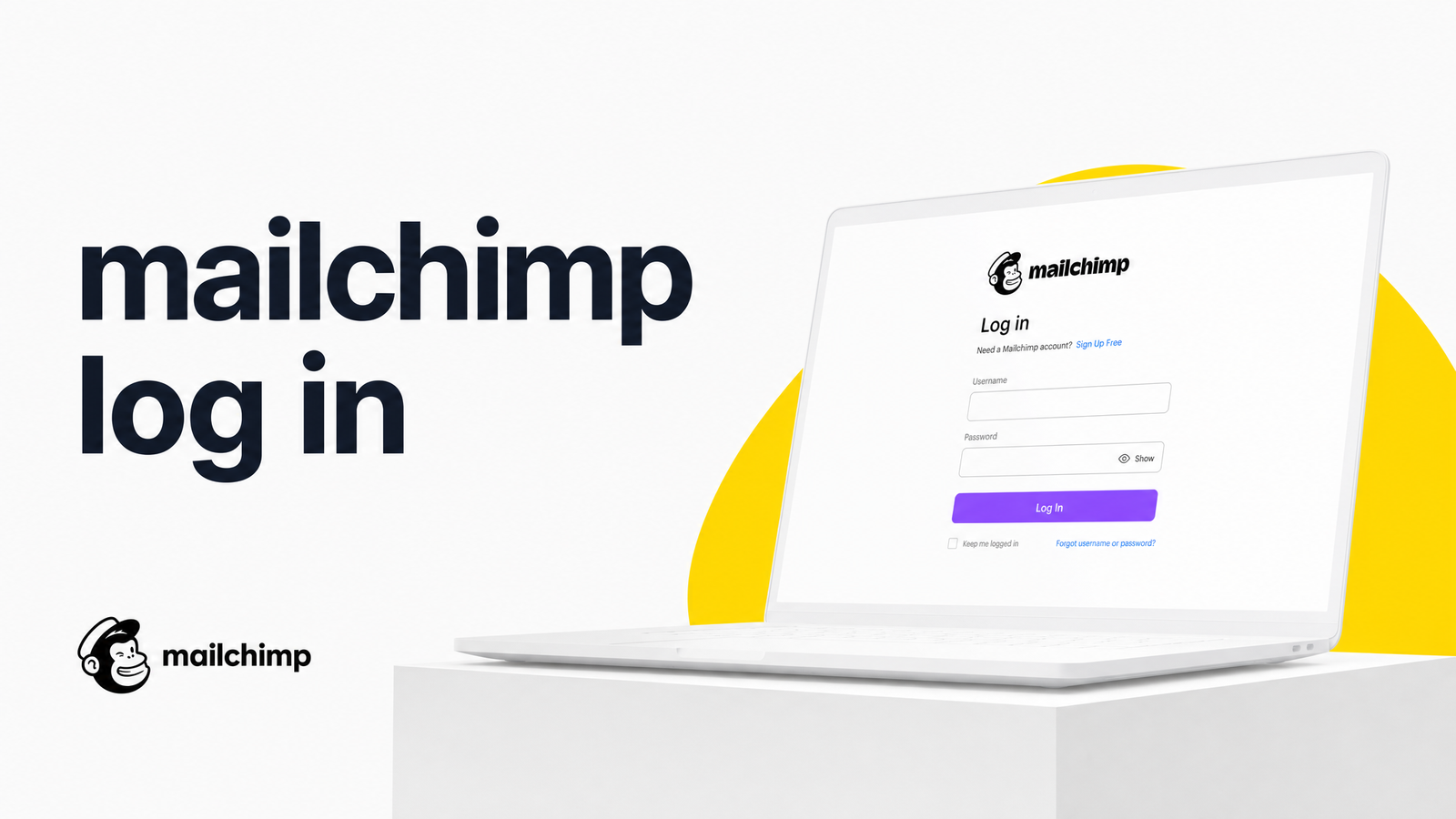
Mailchimp Login: Direct Link
The official Mailchimp login page is login.mailchimp.com. No search-and-click through comparison sites, ads, or "official support" listings promising a phone number.
That matters because "mailchimp log in" is such a high-traffic search that it attracts fake tech-support pages and lookalike domains designed to harvest credentials or charge for free support. Mailchimp will never ask you to call a number to reset your password or verify your identity by phone. If a login page looks off — a strange domain, a popup demanding a credit card to "verify your account," a support number front and center — close the tab. Bookmark the real login page once and use that going forward instead of re-searching.
How to Log Into Mailchimp, Step by Step
- Go to login.mailchimp.com.
- Enter the email address associated with your account (not a username — more below) and click Log In.
- Enter your password.
- If Mailchimp recognizes your device, you'll land straight in your dashboard.
- If it's an unrecognized device — new computer, cleared browser, different network — Mailchimp triggers identity verification, usually a one-time code sent to your email or a prompt from your authenticator app if 2FA is enabled.
- Enter that code promptly. Codes expire quickly, and repeated failed attempts can temporarily lock the login form.
That's the mailchimp sign in flow when things go right. Most people searching for help land here because something broke — wrong credential type, an expired code, or an unexpected logout. The next section covers each.
Fixing the Most Common Mailchimp Login Problems
A large share of login problems trace back to one mix-up: entering an old username instead of the email address the account now requires, or vice versa. Mailchimp shifted to email-based login some years ago, so a legacy username won't be recognized. Also check basic session and browser issues — an expired session, an outdated saved autofill password, or a browser extension blocking cookies can all produce a failure that looks like a password problem but isn't.
Two-Factor Authentication Issues
If your password is correct but the 2FA code keeps getting rejected, the cause is usually one of three things:
- Time sync drift. Authenticator apps like Google Authenticator generate codes from your device's clock. If it's off by even a minute, the code won't match — check that automatic time/date sync is enabled.
- Wrong app or account entry. With multiple accounts in your authenticator app, it's easy to grab the wrong code. Double-check you're reading the entry tied to Mailchimp specifically.
- Expired code. Codes typically rotate every 30 seconds. If you copy-paste from another window, it may already be dead by the time you paste — type it directly instead.
If you've lost the device tied to your 2FA setup, use the backup codes Mailchimp provided when you first enabled it — most accounts get one-time recovery codes for exactly this scenario. If you never saved those codes and no longer have the device, you'll need Mailchimp's account recovery process, which verifies identity through account details and email confirmation instead.
Forgotten Username, Password, or a Closed Account
To reset a forgotten password, use the "Forgot password?" link on the login page and follow the email reset link. These requests are time-limited, so complete the reset promptly rather than letting the email sit.
For a forgotten username: Mailchimp accounts are tied to email addresses rather than standalone usernames now, so the "username" you need is simply the email you signed up with. If unsure which one, check old Mailchimp receipts, campaign notification emails, or a password manager entry from account creation.
An account marked inactive or closed is a separate issue that surprises many returning users. Mailchimp automatically closes free-tier accounts after 24 months of inactivity — no campaigns, logins, or billing activity. You generally can't just log back in; you'll need to contact Mailchimp support about reactivation, and in some cases create a new account and re-import your audience data if the original can't be restored.
Still Locked Out? When to Contact Support vs. Rethink the Setup
If you've worked through password resets, 2FA troubleshooting, and inactivity checks and you're still locked out, Mailchimp support is the legitimate next step — accessible only through your account or mailchimp.com, never a third-party phone number found via search.
But it's worth pausing on why you ended up here. A single frustrating login is an inconvenience. A recurring pattern — forgotten passwords, 2FA friction, session timeouts, plus the same headaches across your CRM, landing page tool, and ad platform — signals that marketing tool consolidation is overdue. Separate logins mean separate passwords, separate 2FA devices to keep charged, and separate support queues when something breaks. If Mailchimp access is just one of several tools giving you grief lately, that's a real signal worth acting on.
One Login Instead of Five: A Simpler Alternative
Evra bundles email marketing, CRM, landing pages, and the rest of the marketing stack most SMBs cobble together, under one login and one subscription. Instead of juggling credentials, 2FA apps, and billing cycles across five tools, you sign into one account for the whole stack.
If you're evaluating whether consolidation makes sense, How to Choose an All-in-One Marketing Platform walks through the decision criteria, and Marketing Tool Consolidation: A Step-by-Step Migration Plan lays out how a switch happens without disrupting campaigns. If you suspect your stack has simply grown too large, Marketing App Overload: 7 Signs Your Stack Is Too Big is a useful gut check, and the Marketing Tool Stack Cost Calculator can show what you're really spending across separate subscriptions. And if you've wondered whether "Chimpmail" and Mailchimp are the same thing while searching for login help, that's answered here too.
Frequently Asked Questions
What is the direct Mailchimp login URL?
The official login page is login.mailchimp.com. Avoid third-party sites, ads, or search results claiming to offer Mailchimp support numbers — those are not affiliated with Mailchimp and are often phishing attempts.
Why does Mailchimp keep asking for a verification code every time I log in?
This usually happens when Mailchimp doesn't recognize your device or browser, which can occur after clearing cookies, using a new computer, or switching networks frequently. It's a security measure, not an error, and resolves once the device is recognized on future logins.
What happens if I lose the device I use for Mailchimp's two-factor authentication?
Use the backup recovery codes provided when you first set up 2FA — generated for exactly this situation. If you didn't save them and no longer have the device, go through Mailchimp's account recovery process to verify identity another way.
Why did Mailchimp say my account is closed or inactive, and can I still log in?
Mailchimp automatically closes free-tier accounts after 24 months without logins, campaigns, or billing activity. You typically can't log straight back in — contact Mailchimp support about reactivation, or create a new account if the old one can't be restored.
I forgot my Mailchimp username — how do I find it?
Mailchimp accounts log in with an email address rather than a separate username, so the "username" you need is the email tied to your account. Check old receipts, campaign emails, or a password manager entry from when you signed up if unsure.
Is there a way to avoid dealing with separate logins for Mailchimp and my other marketing tools?
Yes — consolidating your marketing stack onto one platform with a single login removes the need to manage multiple passwords, 2FA devices, and support queues across separate tools. Platforms like Evra combine email marketing, CRM, and other tools under one subscription and one sign-in for exactly this reason.
Once your Mailchimp access is sorted, it's worth asking whether you want to keep solving this same puzzle for every tool in your stack. Evra offers a single login and one subscription for the marketing tools most SMBs run separately today.
Originally published on Rankevra.