
No-Code Landing Page Builder: What SMBs Actually Need
September 21, 2026
Most "best no-code landing page builder" roundups compare template counts and pricing tiers for Unbounce, Leadpages, and Instapage as if the page itself is the whole job. It isn't. For a small business owner without a developer on staff, the page is just the front door — what determines whether a campaign works is what happens the second a visitor hits submit. This article covers what the category means, the features worth checking, and why the connection to your email and CRM matters more than any template library.
What "No-Code" Actually Means for a Landing Page Builder
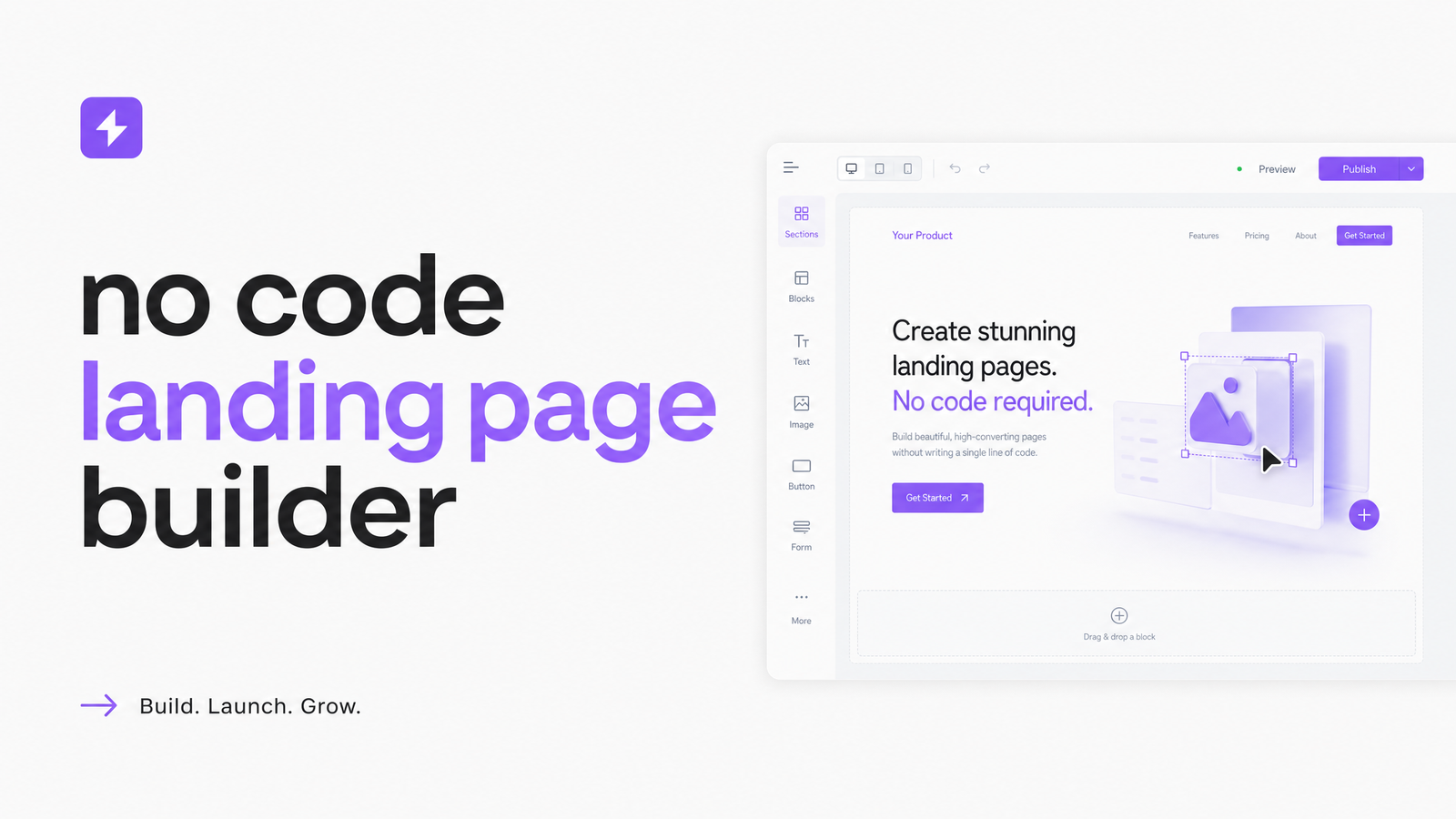
A no-code landing page builder lets you assemble a page visually — dragging in headlines, images, forms, and buttons — without writing HTML, CSS, or JavaScript. Behind the editor, the tool generates clean markup and hosts the finished page on its own servers, so there's no separate hosting setup, no FTP, no build pipeline. You publish, and the page is live.
It's worth distinguishing this from a general website builder, which is built for multi-page structure: navigation menus, blogs, sitewide templates, account pages. A landing page builder is purpose-built for single-purpose pages tied to one campaign or offer — a webinar signup, a lead magnet, a limited-time promotion — where every design choice pushes toward one conversion action. You can technically build a landing page inside a website builder, but you'll fight its assumptions about navigation and site structure the whole way. A dedicated landing page builder skips that friction.
The Feature Checklist That Actually Matters
Once you understand the category, evaluating any tool gets simpler. Here's what to check before you commit, regardless of brand:
- Responsive templates — mobile-responsive pages that rearrange cleanly on small screens, not just shrink proportionally. Test on an actual phone, not just the editor's preview.
- Forms with real validation — required fields, email format checks, and custom fields beyond name/email, since most SMB offers need more than the basics.
- A/B testing landing pages — the ability to split traffic between two headline or layout variants and see statistically meaningful results, not just page views.
- Page speed and CDN delivery — load time affects both conversion rate and Core Web Vitals, which feed into Google's ranking signals.
- Custom domains — your own domain or subdomain, not a builder's branded URL.
- Landing page SEO controls — editable meta titles and descriptions, control over indexing, and clean URL slugs.
- Analytics — visit and conversion data you can actually act on, not a vanity dashboard.
If a tool checks these boxes, it clears the "will this embarrass me" bar for landing page builder features. What it usually doesn't tell you is what happens the moment someone fills out that form — the part that decides whether the lead becomes a customer or a dead row in a spreadsheet.
The Feature Most Roundups Skip: What Happens After the Form Submits
A landing page is only as good as where the lead goes next. This is the gap almost every comparison article ignores, because it's harder to screenshot than a template gallery — but it's the difference between a lead getting a follow-up email in minutes and sitting untouched for a week.
There are three ways a submitted form can route data, and they are not equivalent. Native sync means the landing page builder and your CRM/email platform are the same system, so a new lead appears instantly, already tagged and ready for a sequence. Zapier-based sync works but adds a middle layer: a "Zap" has to be built, maintained, and monitored, and it can silently break when either app changes its API. Manual export is the fallback nobody wants — downloading a CSV and re-entering contacts by hand, which guarantees delayed follow-up and typos.
If you're currently piping form data through Zapier, it's worth understanding the real tradeoffs versus native sync — see Email Marketing and CRM Integration: Native vs. Zapier for a fuller breakdown. The short version: every extra hop between capture and follow-up is a place where a hot lead cools off. A landing page builder with CRM built in, rather than bolted on, removes that hop entirely.
Standalone Builder vs. Built Into Your Marketing Suite
Standalone builders like Unbounce, Leadpages, and Instapage — and simpler tools like Carrd, Webflow, or Landingi — often have deeper page-specific features: more granular design controls, larger template marketplaces, more advanced testing options. That depth is real, and if landing pages are your entire business model, it can be worth paying for.
But for most SMBs, that depth comes at a cost beyond the subscription itself. You're paying for the builder, plus your email tool, plus your CRM, plus whatever connects them — and each connection is a landing page builder alternative to native integration, with its own setup time and failure points. For a closer look at one specific standalone option, Unbounce Landing Page Builder: Pricing, Fit & Alternatives breaks down its pricing and where it fits.
A builder inside an all-in-one marketing platform trades some of that specialized depth for something SMBs tend to value more: one login, one bill, and data that moves automatically between the page, the email list, and the CRM. Whether that tradeoff makes sense depends on how much you use the advanced features versus how much time you lose stitching tools together — a question worth working through in How to Choose an All-in-One Marketing Platform. The cost comparison isn't always obvious on paper either; All-in-One Marketing Software vs Point Solutions: Real Cost lays out what point solutions actually add up to once integrations and admin time are counted.
How Evra's Landing Page Builder Fits In
Evra's landing page builder covers the checklist directly: drag-and-drop editing, responsive templates, form validation, A/B testing, custom domains, and editable meta tags for search visibility. None of that is unusual on its own.
What is different is what happens after the form submits. A page built in Evra sends new leads straight into the same platform's email and CRM tools — no Zapier step, no CSV export, no separate login to check for new contacts. The lead is tagged and ready for a follow-up sequence the moment they convert, because the landing page, email marketing, and CRM tools are one system rather than three subscriptions loosely connected. For the broader page and site experience beyond just the landing page, Website UX Optimization: A Practical Framework for SMBs covers the design principles that carry over.
You can try Evra to see this in practice before deciding whether it's worth changing anything.
Frequently Asked Questions
Do I really need coding skills to build a converting landing page?
No. A no-code landing page builder handles the HTML, CSS, and hosting behind a visual editor, so you assemble the page by dragging in sections, text, images, and forms. What still requires skill is the copywriting and offer — no builder writes your headline or value proposition for you.
What's the difference between a landing page builder and a website builder?
A landing page builder is designed for single-purpose, campaign-focused pages with one conversion goal, while a website builder is designed for multi-page sites with navigation, blogs, and sitewide structure. You can technically build a landing page in a website builder, but you'll be working against its assumptions about site-wide navigation the whole time.
Can a no-code landing page builder integrate with my existing email list or CRM?
It depends on the tool. Standalone builders typically connect through Zapier or a native but limited integration, while a builder inside an all-in-one platform can sync leads directly into the same system's email and CRM without any middle step, which is faster and less prone to breaking.
How much should a small business expect to pay for a landing page builder?
Pricing varies widely by feature depth, but standalone landing page tools are usually billed separately from your email and CRM software, meaning the real cost includes multiple subscriptions plus any integration tooling. A bundled builder inside an all-in-one suite consolidates that into one bill, which is often cheaper once every separate tool is counted.
Will a no-code landing page load as fast as a custom-coded one?
It can, if the builder delivers pages through a CDN and keeps the generated code lean — page speed depends more on the builder's infrastructure and how many heavy elements you add than on whether code was hand-written. Check actual load times and Core Web Vitals scores rather than assuming no-code means slow.
Can I A/B test landing pages without a developer?
Yes. A/B testing landing pages is a built-in feature in most modern no-code builders — you create a second variant of the headline, image, or layout inside the same visual editor, and the tool splits traffic and reports results automatically.
Originally published on Rankevra.