
CRM Meaning Explained: What It Is and What to Buy
September 25, 2026
What Is CRM? A Quick, Plain-English Answer
CRM stands for Customer Relationship Management. A CRM is software that tracks every contact, deal, and interaction your business has with customers and prospects in one place, instead of scattered across inboxes, spreadsheets, and sticky notes.
The core job of any CRM system is simple: it answers "who is this person, what have we discussed, and what happens next?" for every lead or customer your team touches. Sales teams use it to move deals through a pipeline. Support teams use it to see a customer's history before picking up the phone. Marketers use it to know who's ready for a follow-up and who isn't.
That's the CRM meaning in a sentence: a shared, searchable record of relationships that replaces guesswork with an actual system. Everything below is about what that system does in practice, and the one decision most small businesses get wrong when buying one.
What a CRM System Actually Does
Strip away the marketing language and a CRM system performs a handful of concrete jobs, day in and day out:
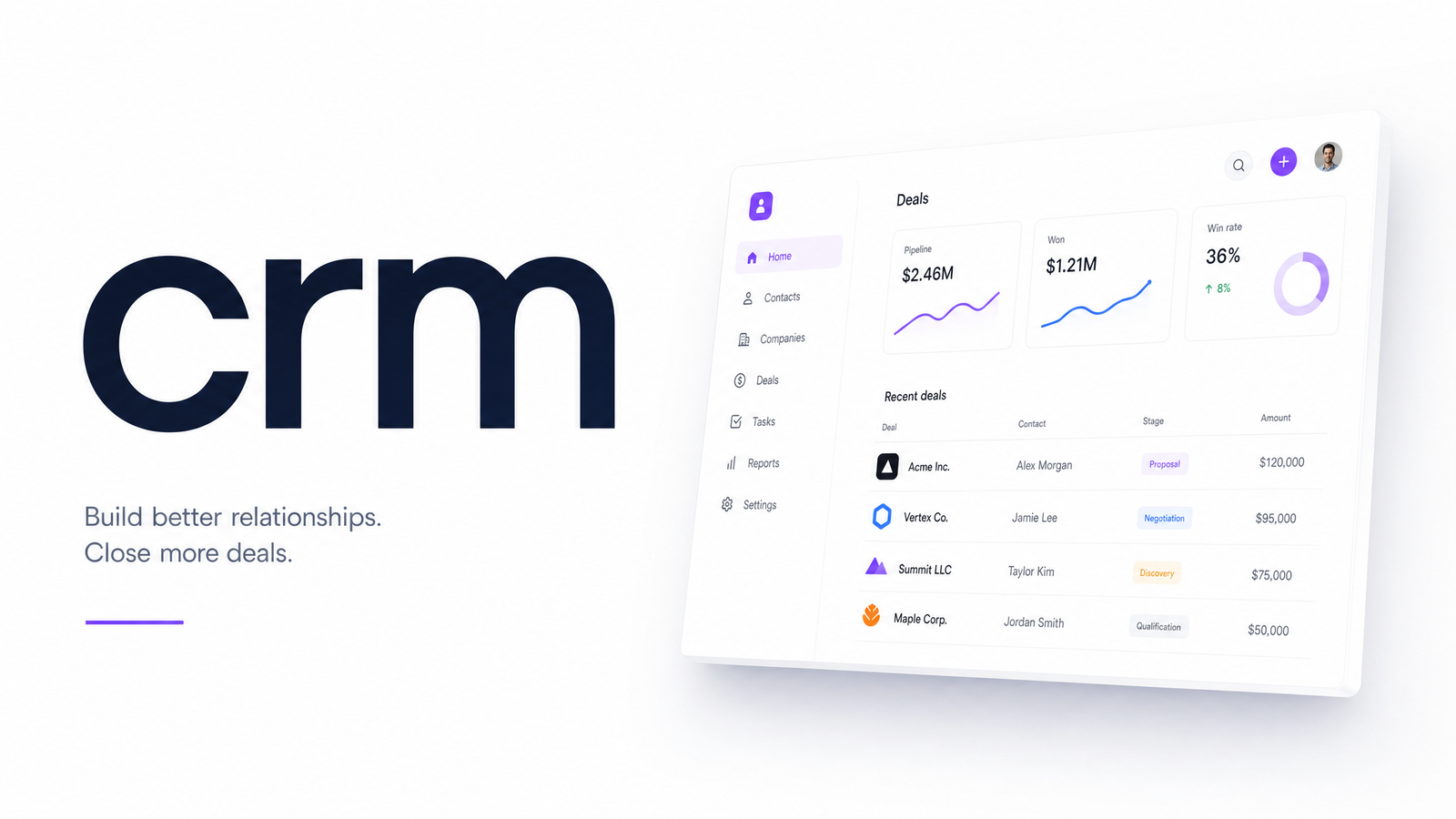
- Contact management — a record for every person and company you deal with, including how you met, what they've bought, and who owns the relationship internally.
- Pipeline and deal tracking — a visual stage-by-stage view of every open opportunity, so nothing quietly dies in someone's inbox.
- Activity and communication history — a timeline of calls, emails, meetings, and notes tied to each contact, so anyone on the team can pick up context instantly.
- Task and follow-up reminders — automatic nudges so leads don't go cold because someone forgot to call back.
- Reporting — a real answer to "how many deals closed this month" or "where are prospects dropping off," instead of a manual tally.
None of this is exotic. What matters is that it lives in one shared system rather than in five people's personal note-taking habits. For a deeper look at how contacts move through each of these stages, CRM Customer Relationship Management: A Stage-by-Stage Guide covers the full lifecycle in detail.
The Main Types of CRM (and Why It Matters)
Not every CRM is built for the same job, and knowing the category helps you evaluate any tool you're considering. There are three broad types of CRM:
Operational CRM handles the day-to-day mechanics — contact records, pipeline stages, task automation. This is what most small businesses mean when they say "CRM," and it's the category most relevant here.
Analytical CRM focuses on mining the data already in the system: customer lifetime value, churn patterns, campaign performance. It's less about running deals and more about understanding trends across all of them.
Collaborative CRM is about sharing customer information across departments — so sales, marketing, and support look at the same record instead of three different versions of the truth.
Most modern platforms blend all three to some degree, but the labels are useful shorthand: a system billed as purely "analytical" won't help your sales team manage daily follow-ups, and one that's purely "operational" won't give much insight into long-term trends.
CRM vs. Marketing Automation vs. Email Tools: Where the Lines Blur
This is where most confusion sets in, and it's a fair confusion — the categories genuinely overlap. A CRM tracks relationships and deals. Marketing automation handles rules-based campaigns — drip sequences, lead scoring, behavior-triggered emails. An email marketing tool sends and measures bulk email campaigns.
The overlap: most email platforms now include basic contact lists that look a lot like a CRM, and most CRMs now include basic email sending. So a business that owns a CRM, an email platform, and a landing page builder often has three separate tools half-doing the same job — contact storage — while none fully owns marketing automation.
The practical difference is intent. CRM is about individual relationships and deals; automation is about scaled, rules-based campaigns across segments. CRM vs email marketing is similar — email tools are built to blast and measure, not to track a deal through a sales conversation. For detail on how these systems should actually connect, Email Marketing and CRM Integration: Native vs. Zapier walks through the integration options.
Standalone CRM or Built Into Your Marketing Platform? The Real Tradeoff
Here's the decision most CRM comparisons skip entirely: should you buy a dedicated CRM — a Salesforce or HubSpot-style product — and bolt it onto separate email, landing page, and analytics tools? Or should CRM live as one module inside a single marketing subscription?
Three problems show up consistently with the standalone-plus-separate-tools approach:
Cost stacking. A dedicated CRM subscription, an email platform, a landing page builder, and an analytics tool each bill separately, often with per-seat pricing that compounds as you add team members. The sticker price of any one tool looks reasonable; the combined bill rarely does. All-in-One Marketing Software vs Point Solutions: Real Cost breaks down exactly how that stacking plays out.
Data silos. When your CRM and email tool are different products from different vendors, keeping contact records in sync depends on integrations, Zapier workflows, or manual exports. Every sync gap means a salesperson working from stale data or a campaign missing someone who just became a customer.
Setup and maintenance overhead. Every standalone tool needs its own onboarding, permissions, login, and support relationship. Multiply that by four or five tools and someone on your team is now, unofficially, a systems administrator.
When CRM is one module inside an all-in-one marketing subscription, contact records, email history, landing page conversions, and pipeline stages share the same database by default — because they're the same product, not four products pretending to talk to each other. There's one bill, one login, and no integration to babysit. That's the core difference Evra is built around: CRM isn't a bolted-on add-on, it's a native part of the same suite as your email, landing pages, and analytics.
How to Decide What You Need
Before you fall down a research rabbit hole, run through a short checklist:
- Team size — a solo owner juggling a dozen active leads can often manage with a spreadsheet a while longer; three or more people touching the same deals need a shared system.
- Number of existing tools — if you're already paying for an email platform, a landing page tool, and a spreadsheet doubling as a CRM, you're a strong candidate for consolidation.
- Budget — add up what you currently pay across separate tools before assuming a dedicated CRM is the cheaper option.
- Integration needs — if your tools don't talk to each other today, ask whether that's a Zapier problem or a "wrong architecture" problem.
Choosing a CRM for a small business usually comes down to whether you want one more specialized tool to manage, or one system that already includes it. For the fuller evaluation framework — feature checklists, vendor comparisons, migration considerations — Customer Relation Software: A Practical SMB Buying Guide covers it in depth, and Marketing Tool Consolidation: A Step-by-Step Migration Plan is useful once you've decided to fold a standalone CRM into a bundled platform. For the organizational and strategic side of CRM beyond software, see Customer Relationship Management: The Strategy Behind the.
If you're evaluating CRM, it's worth seeing it running alongside email, landing pages, and analytics in one login rather than as a separate bill and a separate login. Evra bundles all of it into one subscription — take a look before you commit to another standalone tool.
Frequently Asked Questions
What does CRM actually stand for?
CRM stands for Customer Relationship Management. It refers to both the practice of managing customer relationships systematically and the software used to do it — tracking contacts, deals, and communication history in one place.
What's the difference between a CRM and an email marketing tool?
A CRM tracks individual relationships and deals through a sales process, while an email marketing tool sends and measures bulk campaigns across segments. Many email platforms include basic contact lists, and many CRMs include basic email sending, which is why the two get confused — but their core purpose differs.
Do small businesses really need a CRM, or is a spreadsheet enough?
A spreadsheet can work for a solo owner tracking a handful of leads, but it breaks down once more than one person needs to see the same deal or contact history. Once follow-ups start slipping or two team members contact the same lead separately, that's the signal a dedicated system is worth the switch.
Is it better to buy a standalone CRM or one built into a marketing platform?
For a business that already pays for separate email, landing page, or analytics tools, a CRM bundled into an all-in-one marketing subscription usually wins on cost, data consistency, and setup time. A standalone CRM makes more sense only if your sales process is complex enough to need capabilities no bundled platform offers.
What are the main types of CRM software?
The three main types are operational (day-to-day contact and pipeline management), analytical (mining customer data for trends), and collaborative (sharing customer information across departments). Most modern CRM platforms combine elements of all three.
How much does a basic CRM cost for a small business?
Costs vary widely by vendor and are usually charged per user per month, and they climb quickly once you add separate email, landing page, and analytics tools on top. Comparing that combined cost against a single all-in-one subscription is the real math worth doing before choosing either path.
Originally published on Rankevra.