
Customer Management Software: Features Checklist for SMBs
September 25, 2026
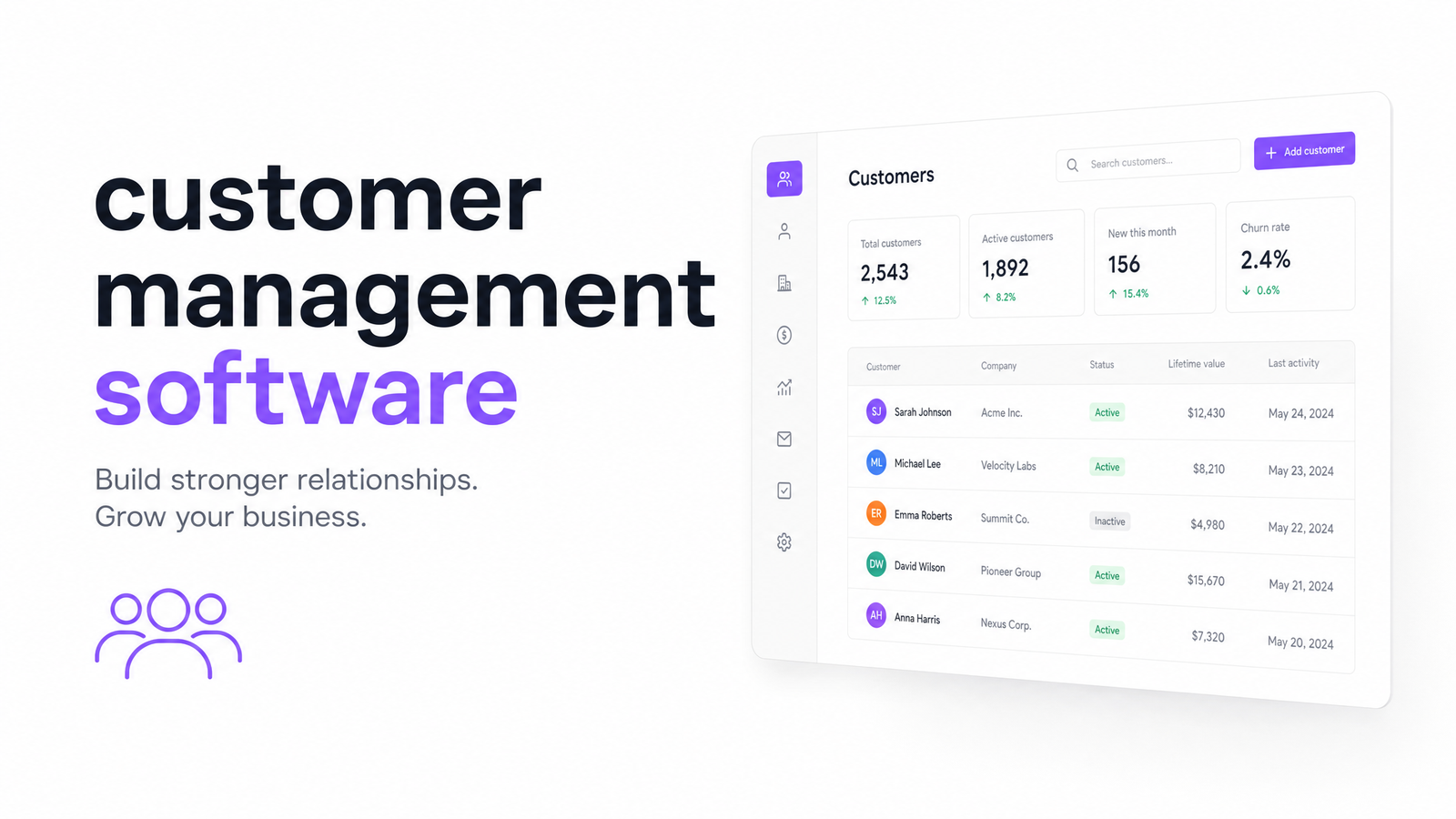
Most people who type "customer management software" into Google aren't shopping for CRM theory — they're juggling a messy spreadsheet, a few sticky notes, and a nagging sense they're about to forget a follow-up call. This article treats the term as what it actually is in practice: a plain-English way of describing contact records, communication history, tasks, and service notes, regardless of whether the vendor slaps "CRM" on the box.
Customer Management Software vs. "CRM": Same Thing, Different Search
Customer management software and CRM describe the same underlying category. "CRM" is the industry label; "customer management software" is how small business owners actually search, often because a past CRM felt bloated, sales-focused, or priced for a team five times their size. The customer management software vs CRM distinction is mostly branding, not substance — both are meant to track who your customers are, what you've said to them, and what needs to happen next.
This piece stays practical: what features matter, what setup makes sense for a small team, and what it costs to run separately from the rest of your marketing tools. For the deeper conceptual breakdown and a fuller vendor comparison, the Customer Relation Software: A Practical SMB Buying Guide covers that ground.
The Core Features Checklist (What It Should Actually Do)
Strip away the marketing language and any legitimate customer database software needs to do a handful of things well. Use this as a literal checklist against any vendor demo:
- Centralized contact records — one profile per person, not scattered across email threads, invoices, and a phone's contacts app
- Interaction and communication history — every email, call note, and support ticket visible in one timeline, so anyone on the team can pick up a conversation cold
- Tasks and follow-up reminders — the system nudges you, rather than relying on memory or a Post-it
- Notes, tags, and segmentation — the ability to group contacts by status, source, or interest so outreach isn't one-size-fits-all
- Basic reporting — enough visibility to see how many new contacts came in, how many turned into customers, and where things stall
That's it. Anything beyond this is a bonus, not a requirement — a vendor who can't demonstrate all five in the first fifteen minutes of a demo is asking you to take a lot on faith.
Spreadsheet, Standalone Tool, or Built Into Your Marketing Platform?
Small businesses typically land in one of three setups, each with a real trade-off.
The spreadsheet. Free, familiar, and fine for a handful of contacts. It falls apart once two people need to update it at once, once you need reminders instead of a column you forget to check, or once a customer calls and nobody can find the last three conversations you had with them. There's no communication history, no automation, and no segmentation beyond manual filtering.
A standalone customer management tool. This fixes the spreadsheet's core problems — proper contact records, task reminders, a searchable history — but introduces a new one: it lives apart from the email platform, landing pages, and forms you already use to generate those contacts. Data has to travel between systems somehow, and "somehow" is rarely as smooth as a sales page promises.
Built into your existing marketing platform. The contact record that captured a lead from a landing page is the same record that gets emailed, tagged, and followed up on — no export, no second login, no sync job to babysit. For an SMB already running email and forms through an all-in-one platform, this setup usually scales best without adding overhead. It's also the direction most customer management software for small business ends up heading once the standalone-tool honeymoon wears off.
The Hidden Cost of Buying It as a Standalone Tool
The sticker price of a standalone tool is rarely the real cost. That shows up in three places.
First, duplicate contact data. Your email platform has a list of subscribers; your new customer management tool has a list of contacts. They overlap heavily but never perfectly, and keeping them in sync means manual exports, imports, or a middleware integration someone has to set up and maintain. Second, separate logins and separate mental models — your team has to remember which tool holds the "real" version of a customer's info, and new hires need training on two systems instead of one. Third, the monthly bill stacks on top of whatever you're already paying for email marketing, landing pages, and forms — and standalone customer management tool cost adds up faster than the per-seat price suggests once you factor in add-ons for automation or reporting.
The All-in-One Marketing Software vs Point Solutions: Real Cost article breaks down the actual numbers behind this, and if your stack already feels like it's sprawling, Marketing App Overload: 7 Signs Your Stack Is Too Big is a useful gut-check before adding tool number six. Data silos between customer records and email tools are also exactly the problem covered in Email Marketing and CRM Integration: Native vs. Zapier — worth a read if you're weighing whether a Zapier bridge is really cheaper than consolidation.
How to Evaluate a Vendor in 15 Minutes
Skip the feature-tour theater and ask any vendor these four questions directly:
- "Show me a contact record with three interactions logged — where does that history come from?" (If it requires manual entry, that's your team's future workload.)
- "How does a new lead from a form or landing page end up in this system?" (Native connection or a third-party integration you'll have to maintain?)
- "What does segmentation actually look like — tags, lists, or something more rigid?"
- "What's the full monthly cost once we add the seats and contacts we actually need?"
Run this customer management software features checklist against two or three vendors back-to-back and the gaps become obvious fast — usually faster than any glossy comparison page will tell you.
Frequently Asked Questions
Is customer management software the same thing as a CRM?
Yes, functionally. "Customer management software" and "CRM" describe the same category — contact records, communication history, and follow-up tracking — the difference is mostly in how vendors market it and how plainly people search for it.
What features should small customer management software include?
At minimum: centralized contact records, interaction history, task and follow-up reminders, notes and segmentation, and basic reporting. Anything a vendor offers beyond these five is a bonus, not a baseline requirement.
Can I use a spreadsheet instead of customer management software?
Only briefly, and only with a handful of contacts. Spreadsheets lack automated reminders, a shared communication history, and segmentation, so they tend to break down as soon as more than one person needs to keep it updated.
How much does customer management software cost for a small business?
It varies by vendor and contact volume, but the sticker price is rarely the full cost — factor in per-seat fees, contact-tier upgrades, and any integration work needed to connect it to your email and forms platform. Bundled into an existing marketing subscription, that added cost often disappears entirely.
Does customer management software integrate with email marketing?
It should, but standalone tools often require a third-party connector like Zapier to keep contact data in sync, which adds setup time and ongoing maintenance. Platforms with customer management built in alongside email tools avoid this by sharing one contact database natively.
What's the difference between customer management software and customer service software?
Customer management software focuses on tracking who your contacts are and the history of your relationship with them; customer service software is built around ticketing and support-request resolution. Many SMBs need the former far more than the latter, and some platforms blend both under one customer management system.
Customer management shouldn't be a sixth login you juggle alongside email, forms, and landing pages — it should be one module inside the same platform where those tools already live. Evra builds customer management directly into its marketing suite, so contact records, history, and follow-ups sit next to the tools that create them in the first place. If you're ready to see what consolidating actually looks like step by step, the Marketing Tool Consolidation: A Step-by-Step Migration Plan and How to Choose an All-in-One Marketing Platform are good next stops.
Originally published on Rankevra.