
Social CRM Integration: What SMBs Actually Need
September 13, 2026
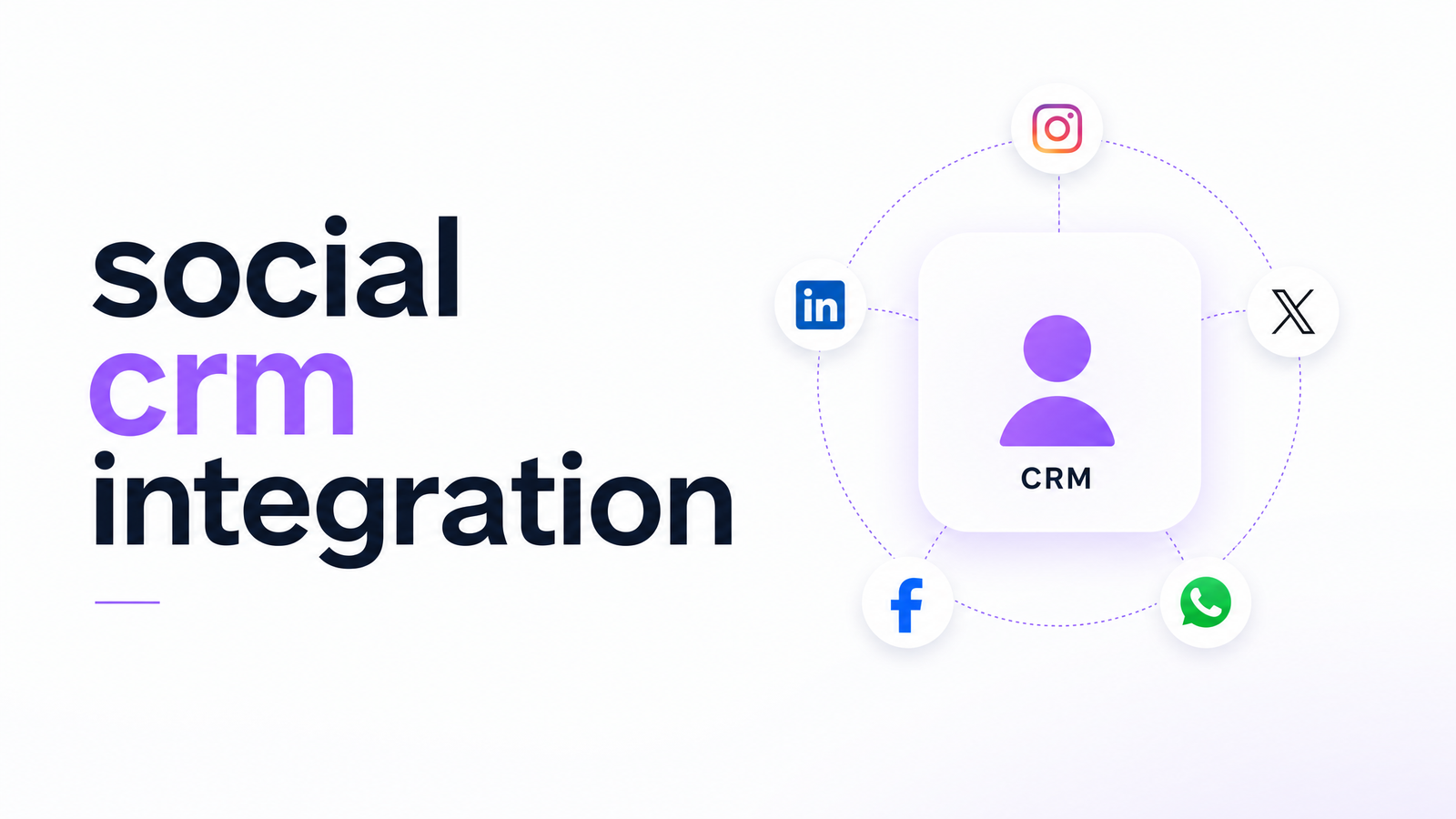
Every week a business runs a Facebook lead ad, someone comments on Instagram asking about pricing, and a DM comes in on X from a customer who ordered last month. None of that reaches the CRM automatically — it sits in three different apps while sales has no idea it happened. That's the gap social CRM integration is supposed to close, and most of what's written about it comes from social media management vendors treating the CRM connection as an afterthought. For an SMB owner already paying for a scheduler, a CRM, and a Zapier plan just to keep contacts in sync, the real question isn't which listening tool has the best dashboard — it's how to stop social data from living in a system nobody else can see.
What Social CRM Integration Actually Means
Social CRM integration links social media activity — comments, direct messages, mentions, and lead ad submissions — to the contact records already in your CRM, so a social interaction shows up next to that person's email history, past purchases, and support tickets. It is not the same as a social media management tool. A scheduler like Hootsuite or Sprout Social is built to plan posts, monitor mentions, and manage publishing; Hootsuite's own definition of social CRM draws this same distinction between built-in CRM features and a separate platform bolted on afterward. Social CRM integration is specifically about the data flow: making sure a lead form fill or DM creates or updates a CRM contact rather than disappearing into a platform-native inbox.
What It's Actually Used For
SMBs use social CRM integration for a handful of concrete jobs. The most common is capturing Facebook and Instagram lead ad form-fills as CRM contacts automatically, so a submission triggers a follow-up task instead of sitting unread in Meta's Ads Manager. Second is routing social DMs and comments into a shared inbox tied to contact history, so whoever answers a comment can see the commenter is already a customer, not a stranger. Third is tracking mentions and sentiment against existing accounts — this matters more for retention than new-lead volume but still needs the same contact match. Fourth, often the one owners care about most, is reporting: seeing social-sourced leads in the same pipeline view as email and SMS leads, instead of pulling two separate reports and reconciling them by hand.
The 3 Ways to Connect Social Media to a CRM
There are really only three ways to connect social channels to a CRM, each with a different cost-and-breakage profile. Native connectors, built into CRMs like HubSpot or Salesforce, sync lead ads and some messaging data directly — reliable when supported, but limited to whatever platforms and objects the vendor built for, and often gated behind higher-tier plans. Middleware and Zapier-style automations fill the gaps native connectors leave, stitching a social platform's API to a CRM field by field; flexible and quick to set up, but every automation is a small piece of software you now own, and it breaks quietly when either endpoint changes its API. Evra's breakdown of native vs. Zapier email-CRM integration covers this tradeoff for a related use case, and the same logic applies to social. The third option is an all-in-one suite where social inbox, lead capture, and CRM share a single database — no connector to configure or maintain, because the data was never in two systems to begin with.
What This Usually Costs SMBs
Stack the pieces up and the real cost becomes clear. A social media management tool alone typically runs $50–$300+ a month depending on account volume and listening features. Add a CRM subscription, then a Zapier or middleware plan priced by task volume, plus per-connector fees if you're linking more than one social account or channel type — none of which includes the time spent rebuilding a Zap when it silently stops working. Evra's cost comparison of all-in-one marketing software versus point solutions walks through this math in full; the short version is that a consolidated suite folds social inbox and CRM into one line item, which tends to undercut the stitched-together stack once every subscription and connector fee is counted. If you want to see where your own spend actually sits, Evra's marketing tool stack cost calculator is built for exactly that comparison — and for readers weighing whether to hire someone to build the connections instead, this guide to CRM integration service costs lays out that option too.
Where Social CRM Integration Breaks Down
The most common failure points are quiet, not dramatic. Platform API limits and access changes on Meta and X are the biggest: rate limits throttle syncs, and API version changes can break a connector overnight with no notification beyond an error log nobody's watching. Salesforce discontinuing Social Studio in 2024 is a reminder that even enterprise-grade social CRM tooling gets retired, as business-software.com notes in its 2026 overview. Duplicate contact records are the second-most common problem — a lead who submits a form and later DMs the same account can end up as two separate CRM entries if the matching logic isn't solid. Delayed syncs cause a third issue: a lead sits for hours before it appears in the CRM, and by then a competitor's already called. Every middle layer a piece of data passes through — API to Zap to CRM field mapping — is another place for that data to lose context or arrive incomplete.
The Simpler Path: One System Instead of Stitched-Together Tools
Given how much social activity now flows through a business — ChatbotX's 2026 strategy guide makes the scale argument well — the practical fix for most SMBs isn't a smarter Zap, it's fewer moving parts. If your social inbox, lead capture from ad forms, and CRM contact records already live in one system, there's nothing to connect and nothing to break: no per-connector fees, no API-change surprises, no reconciling two reports to find out what actually came from social. If any of this sounds like your current stack, Marketing App Overload is worth a read to confirm it.
See how Evra handles social and CRM as one system — social inbox, ad lead capture, and contact records sitting next to your email and SMS campaigns, with no Zapier and no per-connector fees. Start with the marketing tool stack cost calculator to see what you're spending now, then read how to choose an all-in-one marketing platform to compare your options.
Frequently Asked Questions
What does social CRM integration actually mean in practice?
It means social interactions — DMs, comments, mentions, and lead ad form-fills — automatically create or update contact records in your CRM instead of staying siloed in a social platform. A sales rep or support agent sees a customer's full history, not just the message in front of them. It's a data-flow setup, not a feature of any single app.
How do Facebook/Instagram lead ads get into a CRM?
They get in one of three ways: a native connector built into the CRM, a Zapier-style automation linking Meta's Lead Ads API to the CRM, or an all-in-one platform where the ad form and CRM already share the same database. Native connectors are reliable but limited to supported fields; automations are flexible but fragile; a shared-database suite skips the connection step entirely.
What's the difference between a social media management tool and social CRM integration?
A social media management tool like Hootsuite or Sprout Social is built for scheduling posts and monitoring mentions across accounts. Social CRM integration is about whether that activity actually reaches your contact records in the CRM — a management tool can exist without ever solving that problem.
How much does it cost to connect social platforms to a CRM?
Realistically, a business pays for a social management tool ($50–$300+/month), a CRM subscription, and a Zapier or middleware plan priced by task volume, sometimes with per-connector fees on top. A consolidated suite replaces all of that with one subscription covering social inbox and CRM together.
What breaks first when social platforms are connected to a CRM via Zapier or middleware?
API rate limits and version changes on platforms like Meta and X are usually first to cause failures, since a platform update can break an automation without warning. Duplicate contact records and delayed syncs follow close behind, especially when a lead interacts with a brand through more than one social channel.
Originally published on Rankevra.