
WhatsApp CRM Integration: 2026 Setup, Cost & Ban Risks
September 13, 2026
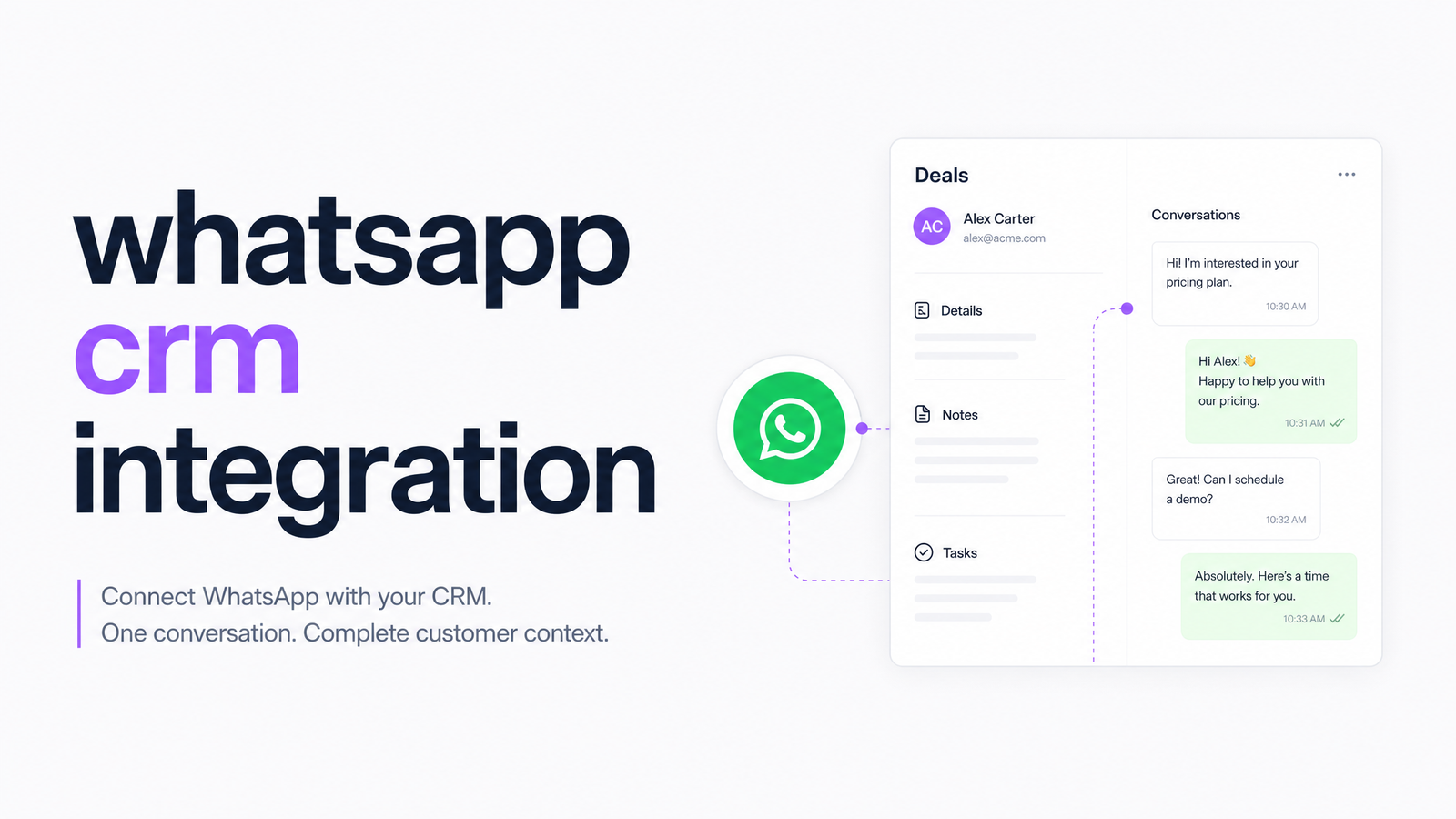
Most guides to WhatsApp CRM integration are written by the companies selling API access, which is why they skip past pricing or overstate what the platform can automate. This one is written from the other side: what you actually need, what it costs in 2026, and which setup makes sense for a small team tired of juggling three bills for one job.
What "WhatsApp CRM Integration" Actually Means
In plain terms, it's the syncing of WhatsApp conversations, contacts, and message history with your CRM's records, pipeline stages, and automations — not just having WhatsApp Business installed on a company phone. Done properly, a message from a lead shows up against that lead's existing contact card, triggers whatever workflow you've built (assign to a rep, move a deal stage, log an activity), and gets sent by whoever's on shift without everyone sharing one login.
It's the layer that connects three distinct things: the messaging channel itself, your customer database, and the automation rules that tie them together. Getting this right depends entirely on which of three tiers you're building on — the consumer-facing app, the official Business Platform, or an unofficial connector — and that distinction is where most SMBs get tripped up.
Official API vs. Unofficial Tools: Why the Difference Matters
The WhatsApp Business App is the free phone app small shops use for one-to-one chat — fine for a single user, but it doesn't connect to a CRM at all. The WhatsApp Business Platform (also called the Cloud API) is Meta's official, sanctioned way for software to send and receive WhatsApp messages programmatically. Only the Platform is built to plug into a CRM, and only messages sent through it are protected by Meta's terms of service.
Then there's a third category: browser-automation or "unofficial" WhatsApp CRM tools that scrape your WhatsApp Web session instead of using the API. These are cheap and skip the setup steps below — but they violate WhatsApp's terms, and Meta actively detects and bans numbers used this way. For a business number tied to real customer relationships, that's not a risk worth taking to save a setup fee. Official integration through the Cloud API, via a BSP or an all-in-one platform, is the only path that doesn't carry that exposure.
What You Need Before You Connect WhatsApp to a CRM
Before any CRM can talk to WhatsApp, a few pieces need to be in place:
- A phone number that isn't already active on a personal WhatsApp or WhatsApp Business app account — the API needs a clean number.
- A Meta Business Manager account, which acts as the umbrella identity for your business on Meta's platforms.
- A WhatsApp Business Account (WABA), created through Meta's WABA embedded signup flow, usually initiated from inside your CRM or BSP's onboarding.
- A Business Solution Provider (BSP) — such as Twilio or 360dialog — or an all-in-one platform that includes BSP access, since Meta doesn't sell Cloud API access to end businesses directly in most self-serve setups.
- Pre-approved message templates for anything sent outside the free 24-hour service window, since freeform messages are only allowed as replies within that window.
Skip any one of these and the integration either won't connect or won't be able to send outbound messages once a conversation goes quiet.
What It Costs in 2026: Per-Message Pricing Explained
WhatsApp API pricing in 2026 works on a per-message basis, a shift from the old conversation-based model that bundled a full 24-hour exchange into one charge. Now, each message sent outside the free service window is billed individually, and the rate depends on the message category: Marketing, Utility, Authentication, and Service, each priced differently and varying by the recipient's country.
The one thing that hasn't changed: replies sent within 24 hours of a customer's last message are still free, which is why that service window matters so much for support-style conversations. Anything you initiate outside it — a follow-up, a promotion, a reminder — needs a pre-approved template and gets billed per message.
That per-message fee is only one layer of the cost. On top of it, most BSPs add their own markup per message or per conversation, and then there's whatever you're already paying for the CRM itself. Stack a BSP fee, a CRM subscription, and a Zapier plan to stitch them together, and the "just WhatsApp" line item on your budget quietly becomes three invoices. For a fuller breakdown of how these layered integration costs compare across tools generally, see this deeper dive on CRM integration costs and alternatives.
Three Ways SMBs Actually Connect WhatsApp to a CRM
There are three realistic paths, each with a different cost and effort profile.
1. A CRM with native WhatsApp support. Some CRMs, HubSpot among them, offer built-in WhatsApp channels or app-marketplace integrations that connect directly to the Cloud API without a separate automation tool. This is the cleanest option if your CRM already supports it — no Zapier layer, fewer points of failure — but you're still paying a BSP fee behind the scenes and limited to whatever the native integration can do.
2. BSP plus CRM, stitched together with Zapier or webhooks. This is the most common patchwork setup: a BSP like Twilio or 360dialog handles the API connection, Zapier (or custom webhooks) passes messages and contact updates into a CRM that doesn't have native WhatsApp support. It works, but you're paying three separate subscriptions and maintaining the "glue" yourself — and Zapier costs scale with usage, which stings once message volume grows. The same tradeoff shows up in email-CRM integrations built the native vs. Zapier way, if you want the pattern applied to another channel.
3. An all-in-one platform with messaging and CRM under one subscription. Here, WhatsApp (and often SMS and email) sit natively alongside the CRM, pipeline, and automation — one login, one bill, one place contact history lives. This is generally the best way to integrate WhatsApp with a CRM for a small team without dedicated IT support, because there's no BSP contract to negotiate and no Zapier workflow to babysit.
Which fits depends on team size and how deep your current stack already goes: if you've already got a CRM you like with native WhatsApp support, use it. If you're starting from scratch or tired of reconciling three invoices, consolidating is usually the cheaper and simpler road, a point covered in more depth in this cost comparison of all-in-one software versus point solutions.
If juggling a BSP bill, a CRM bill, and a Zapier bill just to log WhatsApp messages against a contact sounds like exactly the problem you're trying to solve, Evra bundles CRM, WhatsApp and SMS messaging, and the rest of the marketing stack into one subscription — no separate BSP contract, no Zapier plan, one invoice. Start with how to choose an all-in-one marketing platform, and if you're ready to move off a stitched-together stack, this step-by-step migration plan walks through it.
Frequently Asked Questions
Do I need the WhatsApp Business API to connect WhatsApp to my CRM?
Yes — any real CRM integration requires the WhatsApp Business Platform (Cloud API), not the free consumer app, since the app has no way to sync with external software. The API lets messages, contacts, and templates flow between WhatsApp and your CRM's records. The free app is fine for solo one-to-one chat, but it's a dead end for automation.
Can I integrate WhatsApp with my CRM for free?
Not entirely — the free 24-hour service window lets you reply to customers at no charge, but you'll still pay per message for anything you initiate outside it, plus a BSP fee and your CRM subscription. There's no fully free path once you need templates, outbound campaigns, or multi-user access.
Is it safe to use unofficial WhatsApp CRM tools that don't require the official API?
No — unofficial tools that rely on browser automation or WhatsApp Web scraping violate WhatsApp's terms of service, and Meta actively detects and bans numbers used this way. Losing a business number this way can mean losing every contact and conversation tied to it, so the setup savings rarely outweigh the risk.
How much does WhatsApp CRM integration cost per month for a small business?
Costs stack across three layers: per-message fees by category (Marketing, Utility, Authentication, Service), a BSP markup on top of those fees, and your CRM or all-in-one platform subscription. Exact totals depend on message volume and country, but bundling messaging and CRM into one platform typically removes one full layer of that stack.
Can I keep my existing WhatsApp number when setting up the integration?
Only if that number isn't currently active in the WhatsApp Business App or personal WhatsApp — the Cloud API requires migrating the number cleanly through Meta's WABA embedded signup. If the number is still logged into the consumer app elsewhere, it needs to be released first.
Which CRMs have WhatsApp built in natively vs. needing a third-party connector?
Some CRMs, including HubSpot, offer native WhatsApp channels or marketplace apps that connect directly to the Cloud API. Many others need a BSP plus Zapier or a custom webhook to bridge the gap, while all-in-one platforms build WhatsApp and CRM into the same product from the start.
Originally published on Rankevra.